Add your promotional text...

Effortless Transparent Video Effects—No Green Screen Needed
Adding overlay effects like snow, fire, or confetti traditionally requires green screen footage and tedious keying.
AI IN USE
Kathrin Laser
7/15/20251 min read

60-Second Tutorial
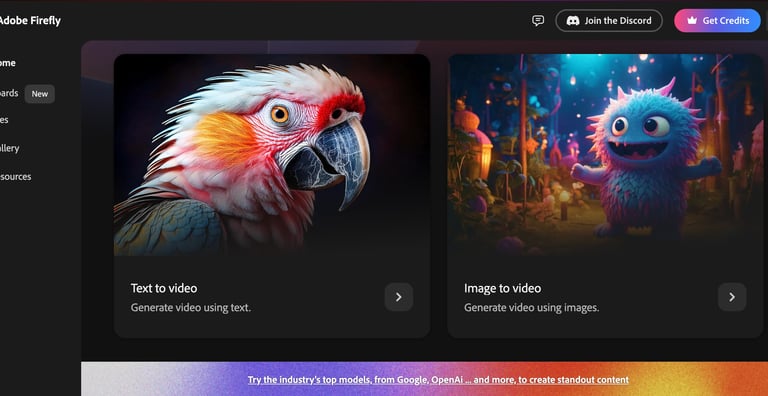
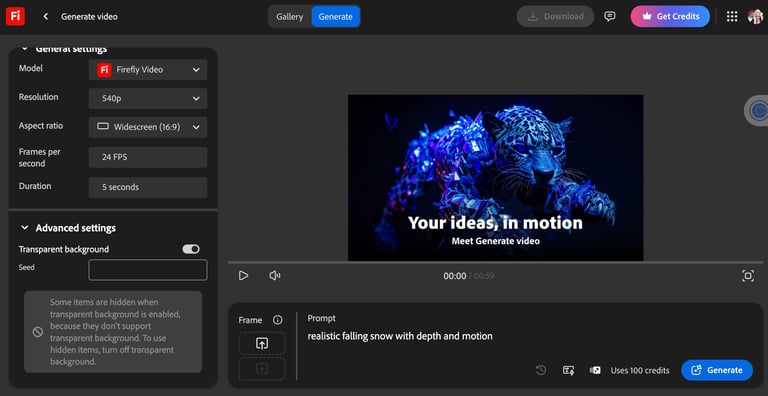
Open Adobe Firefly's video generation tool
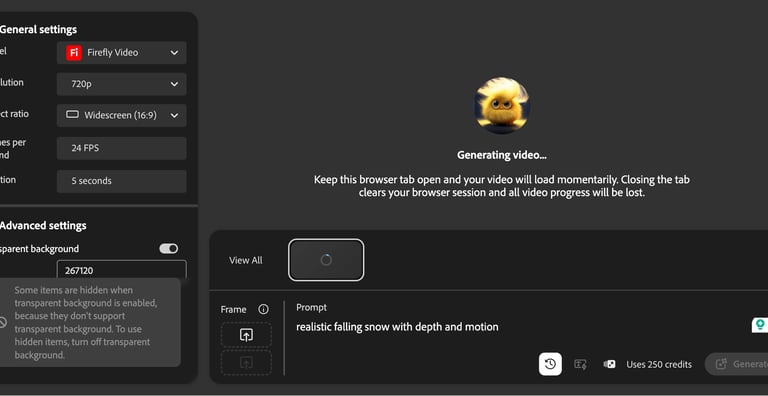
Toggle on "Transparent Background" before generating
Write a detailed prompt (e.g., "realistic falling snow with depth and motion")
Generate at your desired resolution (540p, 720p, or 1080p)
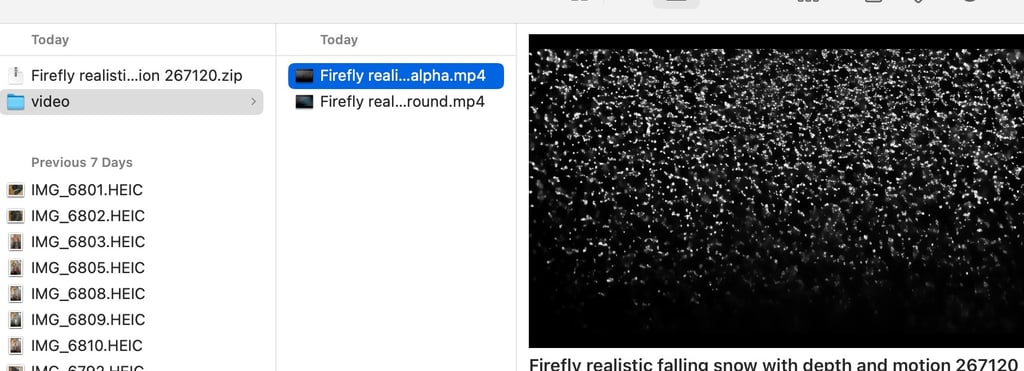
Download both the Foreground and Alpha files
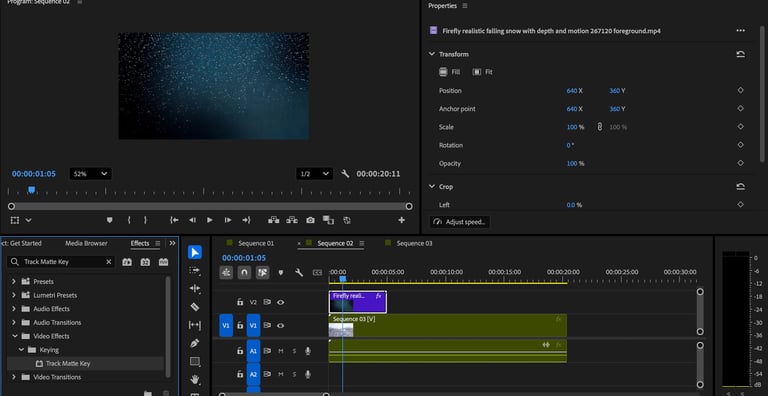
In Premiere Pro, place the foreground clip on your timeline above your footage
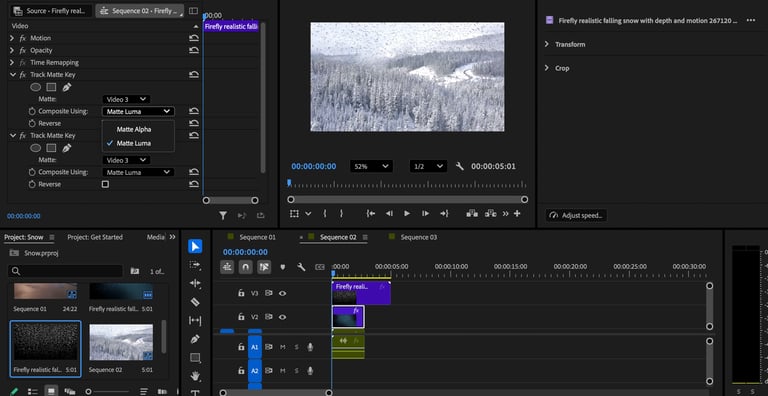
Apply "Track Matte Key" effect and select the alpha file
Adjust opacity to blend naturally